Confirm and remind
Share booking details and remind customers of their appointment time.

From appointment reminders to AI bookings. Notifications, conversations and customer database management in one system connected to your booking calendar.
For beauty salons, studios, barbershops and appointment-based businesses
Notifications · Chats · AI · MCP
Replies from messengers return to your dashboard.
Your services, staff and appointments stay in YCLIENTS or Altegio. AssistBot handles communication around each visit: sends event-based messages, gathers replies in the dashboard and helps continue the conversation.
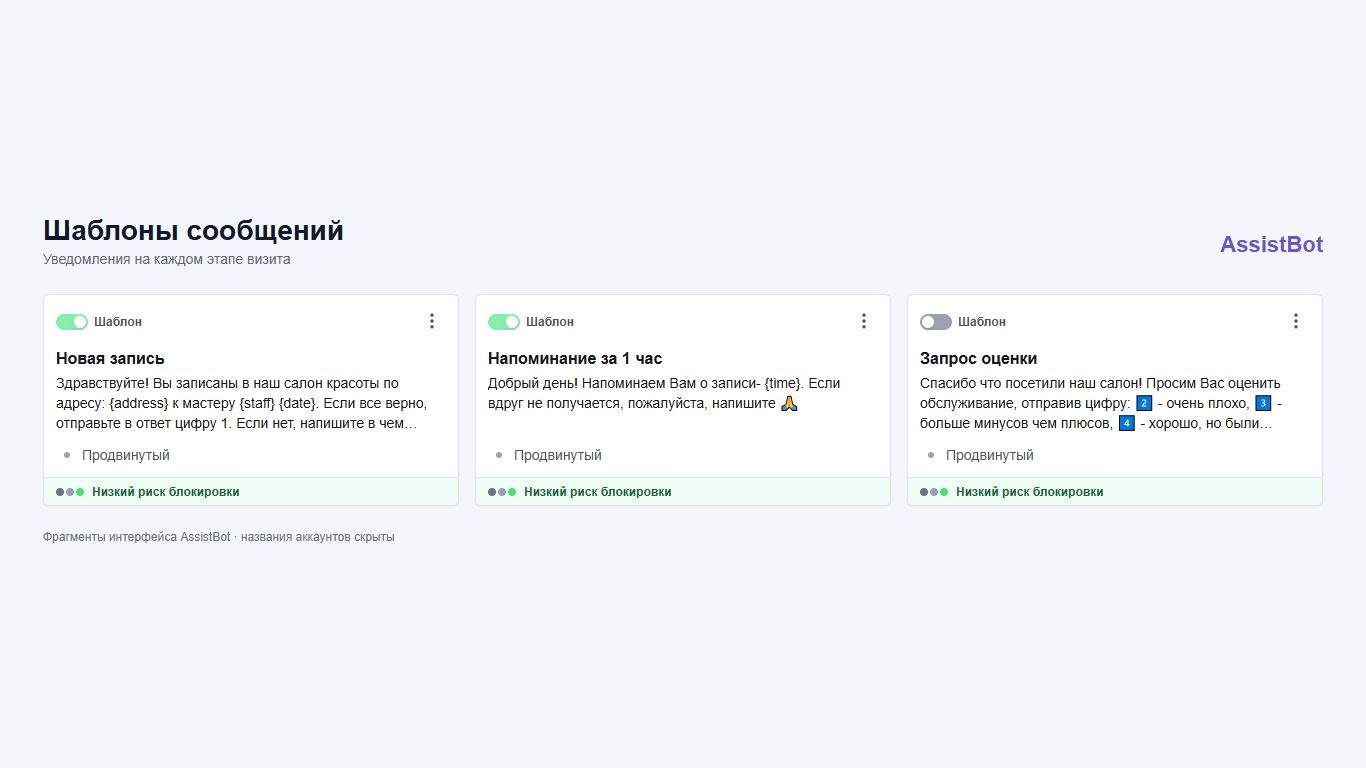
Share booking details and remind customers of their appointment time.
Help your administrator or connect AI to communicate with customers.
Ask for a rating and see how the visit went.
Invite customers back or suggest a suitable service.
Workflows follow events in your calendar. Configure rules and texts once for each stage of the visit.
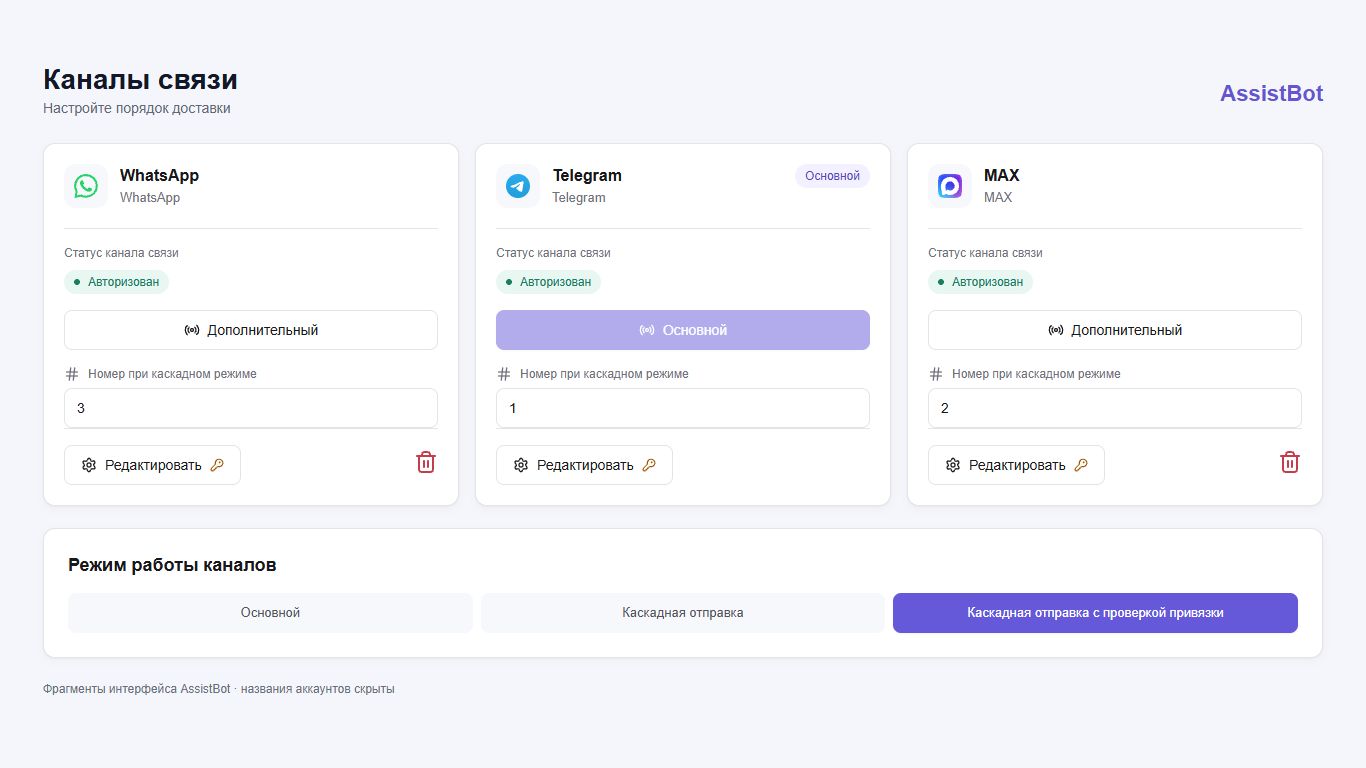
Communicate through your customers' preferred messengers. Set the primary channel and delivery sequence so the next channel is used when delivery conditions call for it.
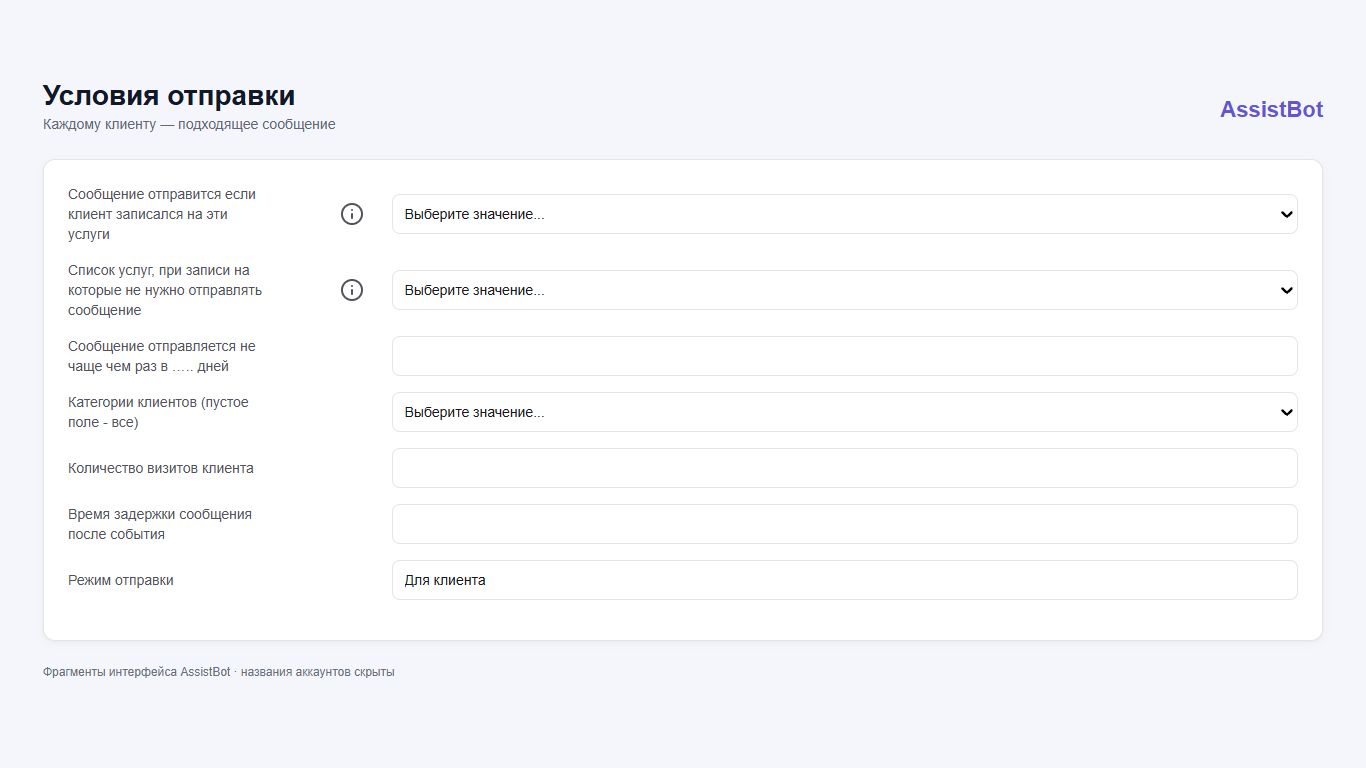
A first visit and a regular customer call for different conversations. Sending conditions help keep each message relevant.
A shared inquiry queue, conversation history, channel labels, address book and bookmarks make it easier for staff to continue conversations and return to important chats.
Reports on message conversion, performance indicators and ineffective conversations help review your team's work. Consent tracking and customer exclusions are available in settings.
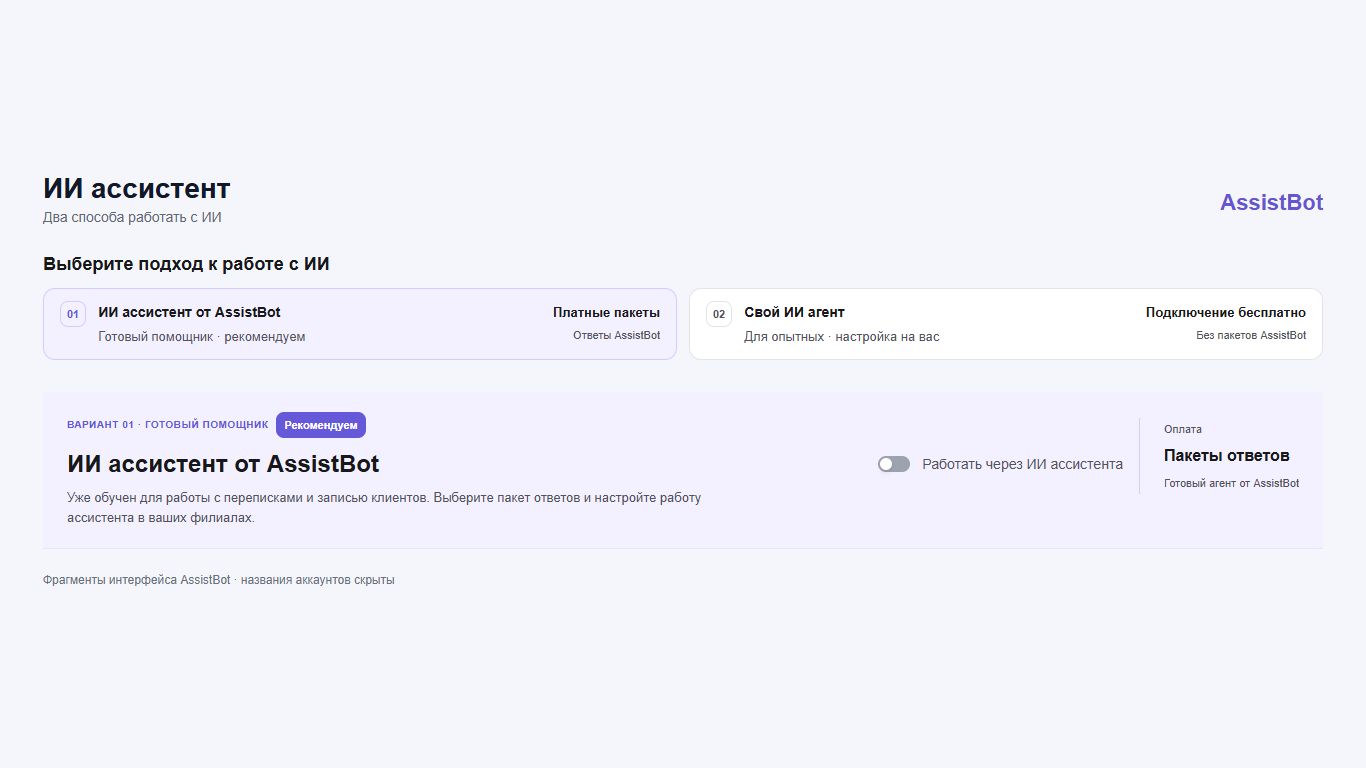
AI can answer using your business data, find services, staff and available times, and create, reschedule or cancel bookings after customer confirmation.
Prepared for customer conversations and bookings. In the dashboard, you can select services for AI, set exclusions and test replies in a test chat.
For those who already subscribe to an AI service or are choosing one for work — and want to write their own instructions, build workflows and stay in control of their agent.
Through MCP, your agent can access conversations and customer booking tools in AssistBot. Give it tasks in everyday language:
Connecting to AssistBot is free; AssistBot response packages are not required. You arrange a subscription to an MCP-compatible service, configure your agent and oversee its work. Automatic handling of new inquiries requires separate setup.
How to connect your own AI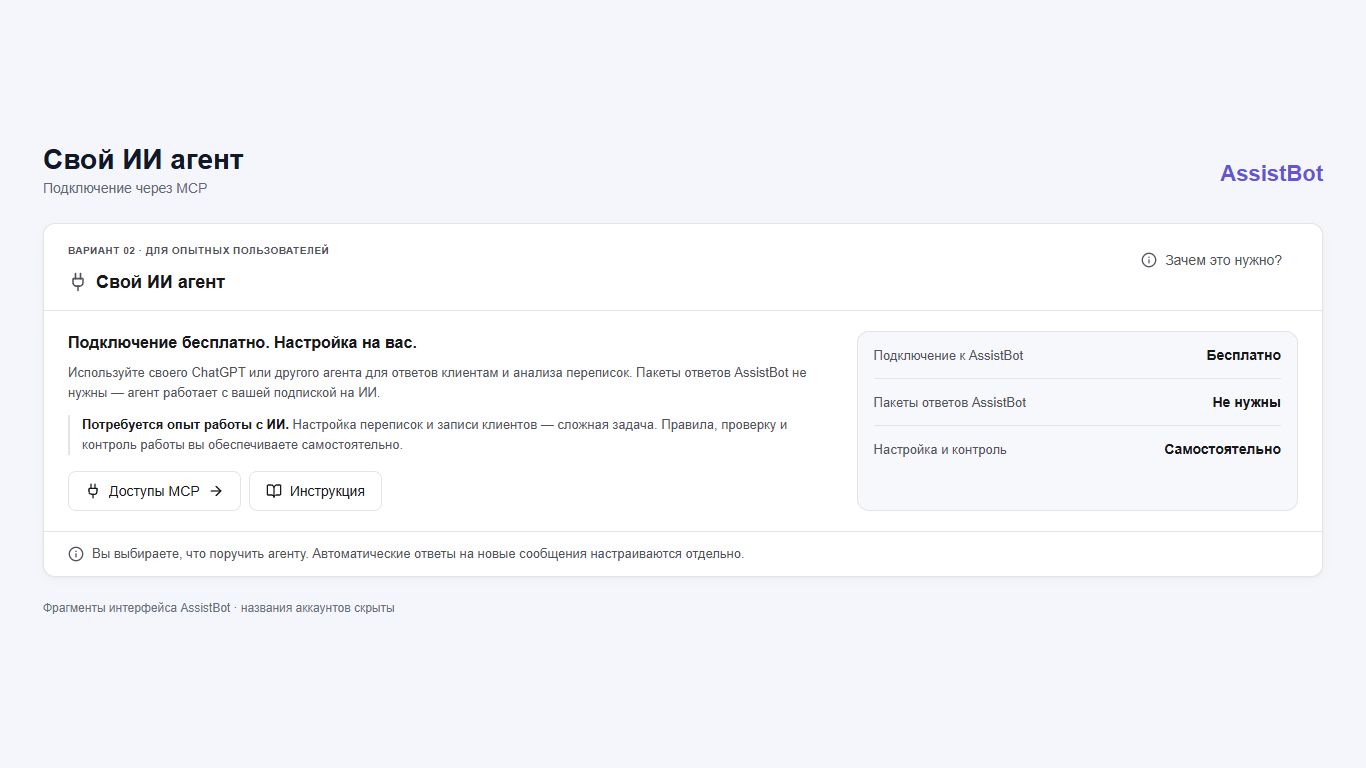
Select the YCLIENTS or Altegio branches and messengers you need.
Configure texts, conditions, sending times and delivery rules for your business.
Test notifications, then add the ready-made AI or your own agent if needed.
Monthly prices are shown. Billing is daily.
Prices are shown for the United States in USD. Choose a country and currency to convert prices. Exchange rate as of 2026-10-22. Frankfurter.
| Number of staff | 1 channel | 2 channels | 3 channels |
|---|---|---|---|
| 1 staff member | 11.00 USD / month | 15.89 USD / month | 19.55 USD / month |
| 2 staff members | 15.89 USD / month | 19.55 USD / month | 25.66 USD / month |
| 3–6 staff members | 30.55 USD / month | 36.05 USD / month | 41.55 USD / month |
| 7–11 staff members | 42.77 USD / month | 48.27 USD / month | 53.77 USD / month |
| 12+ staff members | 48.88 USD / month | 54.38 USD / month | 59.88 USD / month |
1 channel — choose WhatsApp, Telegram or MAX · 2 channels — any two of WhatsApp, Telegram and MAX · 3 channels — WhatsApp + Telegram + MAX
AssistBot adds communication to your booking calendar: notifications, conversations, customer database workflows and AI. Services, staff and appointments remain in your system.
Yes. Plans include one, two or three channels chosen from WhatsApp, Telegram and MAX. Select the combination you need; with multiple channels, you can configure fallback delivery.
No. You can use notifications, workflows and the conversation workspace independently. AI is connected to suit your needs.
The ready-made AssistBot assistant is prepared to work with customers and uses response packages. MCP connects your own agent to AssistBot tools. It requires setup experience, your own rules and ongoing oversight.
No. First connect the agent, set its rules and test it on selected tasks. Automatic processing of new messages must be configured separately. A step-by-step description is available in the MCP guide.
Contact the AssistBot team and tell us about your branches, number of staff, channels and requirements. We will help choose workflows and a connection sequence.
We will show you how AssistBot can address your business needs.